
Buying a ready-made Apple Developer account usually starts not with payment, but with choosing the right account for the task. One team may need a specific GEO, another may require a Company account, while a third may be looking for Device Made, a certain number of accounts, or additional delivery requirements. That is why at SmartShop we have built the process so that the key parameters are agreed before delivery, while payment is made only after you have received the account and checked the provided access.
All orders are handled through our Telegram bot. You can start from our website at smartshop.ltd: click the "Order" button and the system will redirect you to Telegram. Alternatively, you can open our bot directly at @smartshop_sales_bot.
A short video guide to the process is available on our YouTube channel: https://www.youtube.com/shorts/IN7PicPpJ3U
Step 1. Open the SmartShop Telegram Bot
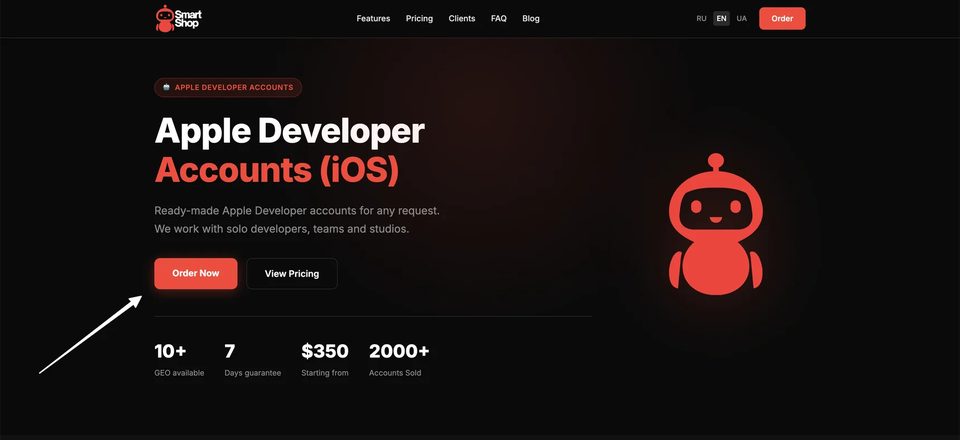
If you start from the SmartShop website, simply click the "Order Now" button on the main page. You will then continue the order through Telegram. There is no need to register separately on the website or create a personal account.
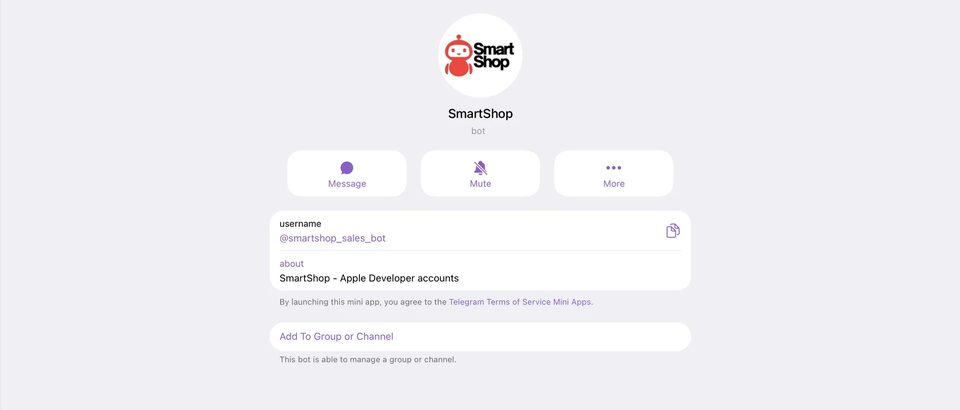
If you prefer to open Telegram directly, find our official bot by the username @smartshop_sales_bot. Before placing an order, you can check the SmartShop name and the bot username to make sure you are using the correct account.
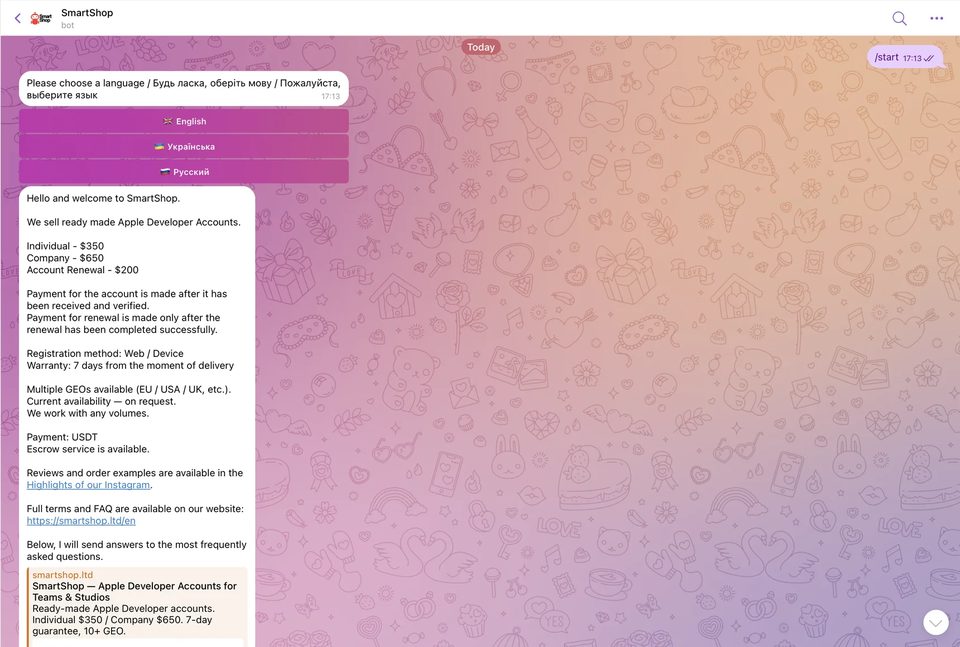
After launch, the bot asks you to choose your preferred language. You then see the current information about Apple Developer accounts and the main working terms: available account types, registration format, GEO, payment procedure, and other basic parameters. We intentionally show this information before the order is submitted so that the key details can be reviewed in advance.
Step 2. Decide Which Apple Developer Account You Need
Before our manager starts looking for a suitable option, it is important to define your request. The more precisely the parameters are specified, the faster we can check availability and offer a matching account.
In most cases, an order should include:
- account type — Individual or Company;
- format — Web Made or Device Made;
- required GEO;
- number of accounts;
- any additional requirements.
Individual and Company refer to different Apple Developer Program membership types: the first is registered to an individual, while the second is registered to an organization. Web Made and Device Made are common market terms describing how the account was prepared: in one case, registration-related actions were completed through the web interface, while in the other an Apple device was used during the process.
It is also better to specify the GEO from the beginning. If you need an account from a particular country or region, we will check availability based on that requirement. The same applies to quantity: a request for one account and an order for a larger batch should be stated from the start.
If you have special requirements for the delivery package or further use of the account, it is best to tell our manager before the order is confirmed. This helps avoid situations where an additional option is requested only after the account has already been selected.
Step 3. Review the FAQ and Send Your Request to a Manager
The Telegram bot includes an FAQ section covering the main questions: warranty conditions, what is provided with the account, how delivery works, whether a custom pre-order is possible, and how support works after purchase. It is useful not only for first-time buyers — before placing a new order, you can quickly review the current terms there.
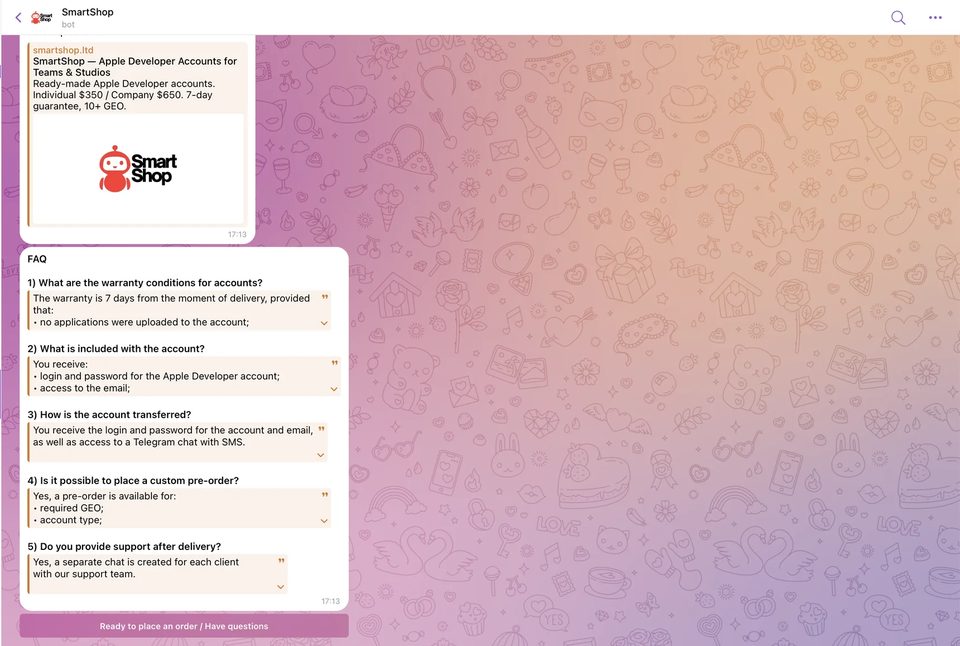
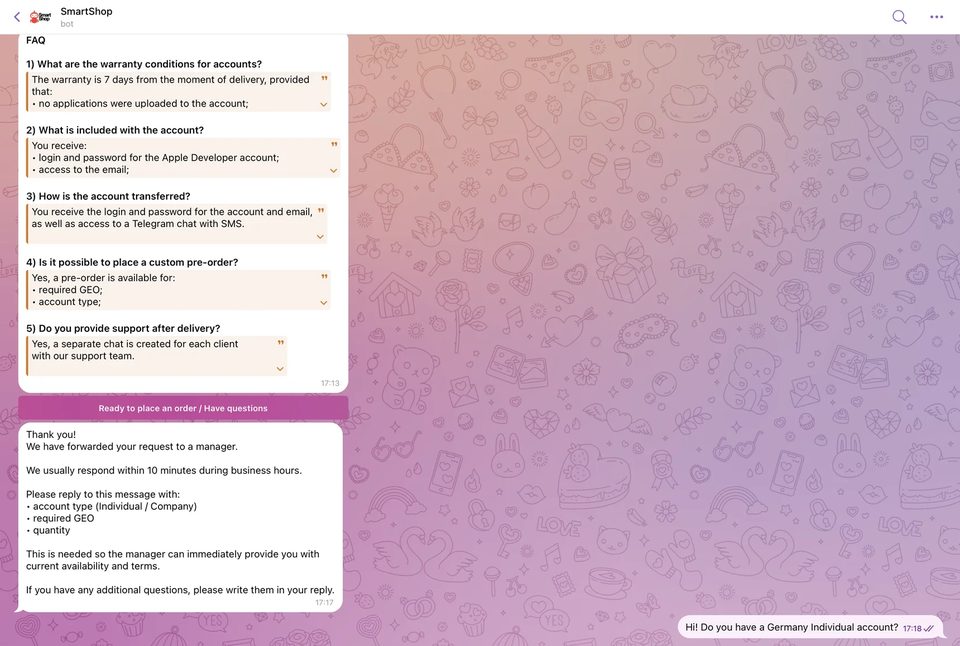
Once everything is clear, click the order button. The bot forwards your request to our manager and asks you to provide the key parameters: account type, required GEO, and quantity. If you have additional requirements, you can include them in the same message.
At this stage, the manager already sees a specific request and can check current availability. If a suitable option is available, we confirm the details and move on to delivery. If the required configuration is not currently available, you can discuss an alternative or wait for a matching account.
Step 4. We Create a Separate Telegram Chat for Account Delivery
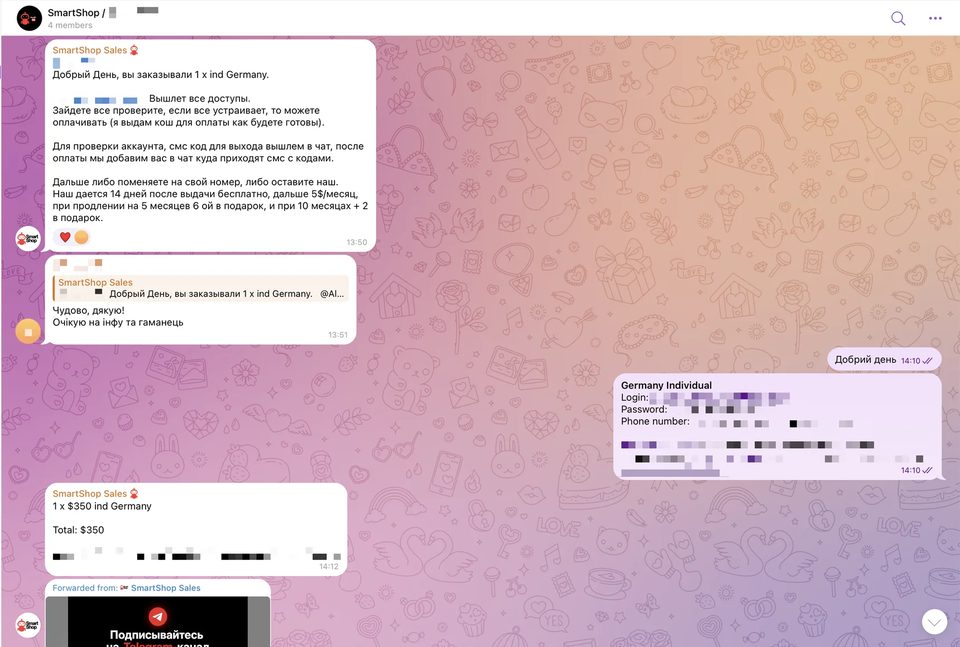
After the order is confirmed, we create a separate Telegram chat. This is no longer the general bot or simply a private conversation with one manager. Members of the SmartShop team are added to the chat to handle the delivery and remain available for questions related to the provided access.
In this chat, we confirm the agreed order parameters, send the account details, and explain the verification process. This format keeps the entire delivery history in one place: you can see which account was ordered, what access was provided, and who to contact if you have a question while logging in.
The exact set of transferred data depends on the specific order. In the basic scenario, you receive the information required to log in and verify the account. If additional delivery elements or special requirements are involved, they should be agreed with the manager in advance.
Step 5. Check the Account Before Payment
One of the key stages of our process is checking the account before payment. After receiving the details, you do not need to send payment immediately. First, log in and make sure the account matches the agreed order.
We recommend checking at least the following:
- the login and password work;
- you have access to the linked email;
- Apple Developer Program opens correctly;
- App Store Connect is accessible;
- the account type matches the order;
- the GEO matches the agreed option;
- any other agreed access or delivery elements are present.
The logic is simple: you are paying not for a promise that an account will be delivered later, but for an account that you have already received and checked. If a question comes up during login, you can post it directly in the dedicated Telegram chat, where the SmartShop team can see the context of the specific order.
It is important not to confuse access verification with the start of full-scale work on an application. At this stage, the goal is simply to make sure that the delivery was completed correctly and that you received exactly what was agreed with our team.
Step 6. Pay for the Order After Confirming Access
Once you have checked the account and confirmed that everything matches the request, the order can be paid. The process therefore follows a clear sequence: requirements first, then account selection, a separate chat, delivery, verification, and only then payment.
This approach is especially convenient for teams that purchase Apple Developer accounts regularly. All key terms are confirmed before delivery, while the dedicated chat remains a working communication channel for the specific account even after the transaction is completed.
Summary: How Buying an Apple Developer Account from SmartShop Works
The entire process can be reduced to a clear sequence. You move from smartshop.ltd to the Telegram bot or open @smartshop_sales_bot directly, choose a language, review the current information, and submit your requirements. We then check availability and agree on a suitable option. After that, we create a separate Telegram chat, provide the access details, and help you complete the verification stage.
Payment is made only after you have confirmed that the account matches the order and the provided access works. For us, this is a core delivery principle: first you see and verify what you are buying, and only then do you complete the transaction.
Individual $350 · Company $650 · Renewal $200. Open the bot, choose your GEO and account type, and our manager will handle the rest.
Write on Telegram