
Partner material: this article was prepared in collaboration with Cloaking.House.
How iOS Traffic Differs from Android
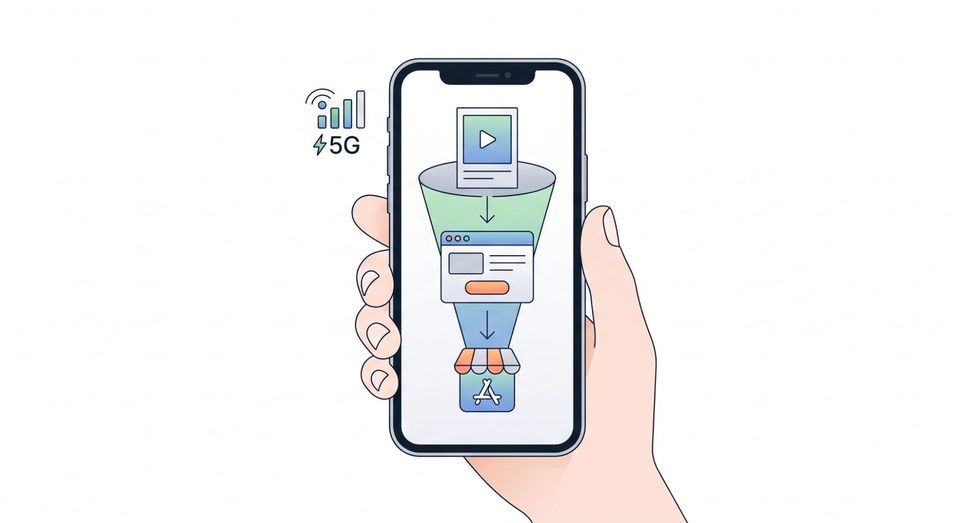
The first difference is that a click on an ad in TikTok, Facebook, or Instagram usually opens the page inside the app’s built-in browser, rather than Safari. These browsers handle cookies, scripts, and link redirects differently. A pre-landing page that works perfectly in Safari may fail to open the App Store in an in-app browser or may lose campaign parameters. You need to test the exact scenario a real user will see.
The second difference is privacy. Starting with iOS 14.5, apps ask users for permission to track them (ATT), and most people do not grant it. For install attribution, Apple offers its own mechanisms: SKAdNetwork and, in newer system versions, AdAttributionKit. These systems provide aggregated and delayed data, so you should not expect a detailed picture for every click. This leads to a practical conclusion: funnel analytics before the store should be collected on your side, in the tracker and at the flow level.
The third difference is network-related. iCloud+ users can enable Private Relay, in which case the IP address seen by the website belongs to intermediary infrastructure rather than the user’s ISP. Geolocation becomes approximate. That is why filters built around IP “cleanliness” produce more false positives on iOS than on other platforms.
What the Funnel Looks Like for an App
A typical route looks like this. The user clicks an ad, reaches an intermediate layer where the system decides what to show them, then goes to a pre-landing page or a web version of the offer, and from there follows a link to the App Store. For app campaigns in App Store Connect, you can use campaign parameter links and product pages tailored to different audiences (custom product pages). This is a convenient way to show a user coming from a specific creative the app page that matches their expectations while also separating the statistics.
Usually, the weak point is not the app itself but the transition between stages: the ad promises one thing, the pre-landing page says another, and the store page looks different again. Platforms notice these inconsistencies, while users simply close the tab. The more closely all three points are aligned, the more stable the campaign performs.
What Should Be Filtered Before the Pre-Landing Page
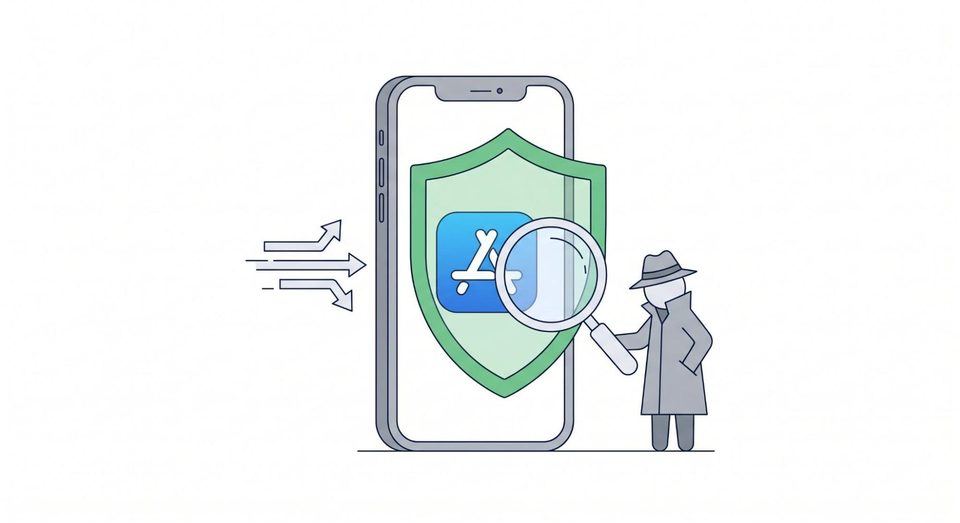
Advertising platforms check the links used in ads. Both human moderators and automated systems perform these checks. That is why it makes sense to decide in advance who should reach the offer page and who should be sent to a neutral page.
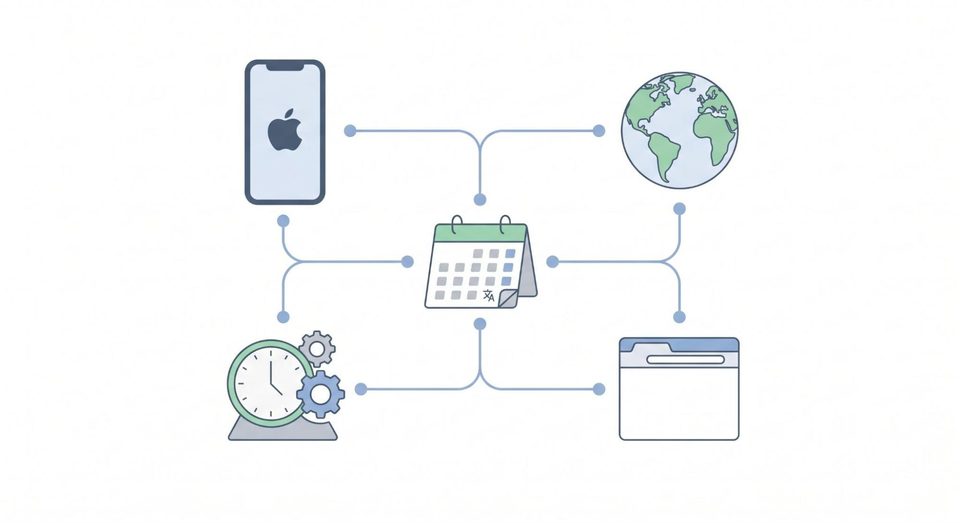
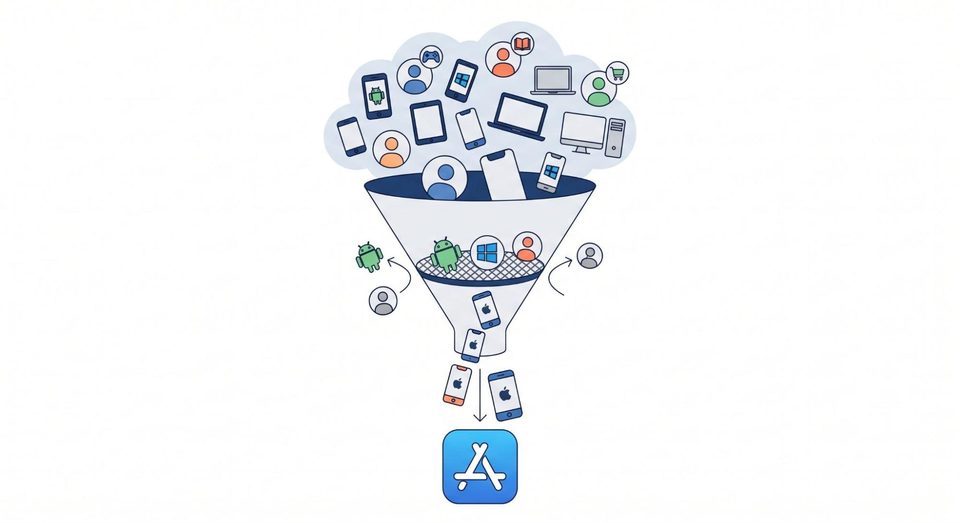
Start with the device type. If the app is available only on iOS, there is no point in showing the offer to desktop or Android users. A neutral page is enough for those visits. This is the simplest filter, and at the same time it removes part of the manual checks coming from work computers.
Next comes the operating system. Separate flows by OS instead of trying to serve everyone through a single one. For an iOS offer, allow iOS traffic; for an Android version, if one exists, create a separate flow with its own Google Play link. This gives you cleaner statistics and prevents users from being sent to the wrong store.
Geo works together with language and time zone. Mismatches between them can sometimes indicate checks, but they also occur among ordinary users: travelers, immigrants, and VPN users. Start with softer rules and tighten them based on logs. And remember Private Relay: aggressive IP filtering on iOS can cut off real customers.
Finally, browsers. Social media in-app browsers, Safari, and Chrome on iOS behave differently, and it is useful to see exactly where traffic is coming from. Unusual clients and clearly automated environments can conveniently be sent to a neutral page.
How to Set This Up in Cloaking.House
All these rules can be implemented manually on your own server, but then each setup will require custom scripts and ongoing monitoring. It is easier to use a ready-made cloud service such as Cloaking.House. Nothing needs to be installed: everything is managed through a web interface, and registration is open. The entire logic is built around flows.
Inside a flow, you specify two links: an offer page for the target audience and a white page for everyone else, and then define who should be considered a target visitor. The service then makes a decision for each click and tracks statistics: how many visits the flow received, who was sent to the offer, who was sent to the neutral page, and which specific rule triggered the decision. This makes it possible to maintain separate flows and domains for different apps, operating systems, and geos without mixing data from different campaigns.
For mobile apps, the most useful features are the ones discussed above. Filters can be configured by geo, device type, operating system, and browser, while additional parameters include languages, time zones, and custom IP lists. This means a setup such as “iOS only, smartphones only, selected countries only” can be created in a few minutes. Content can be delivered either through a redirect or by loading it directly. Direct loading is convenient because the page address does not change and campaign parameters are not lost along the way.
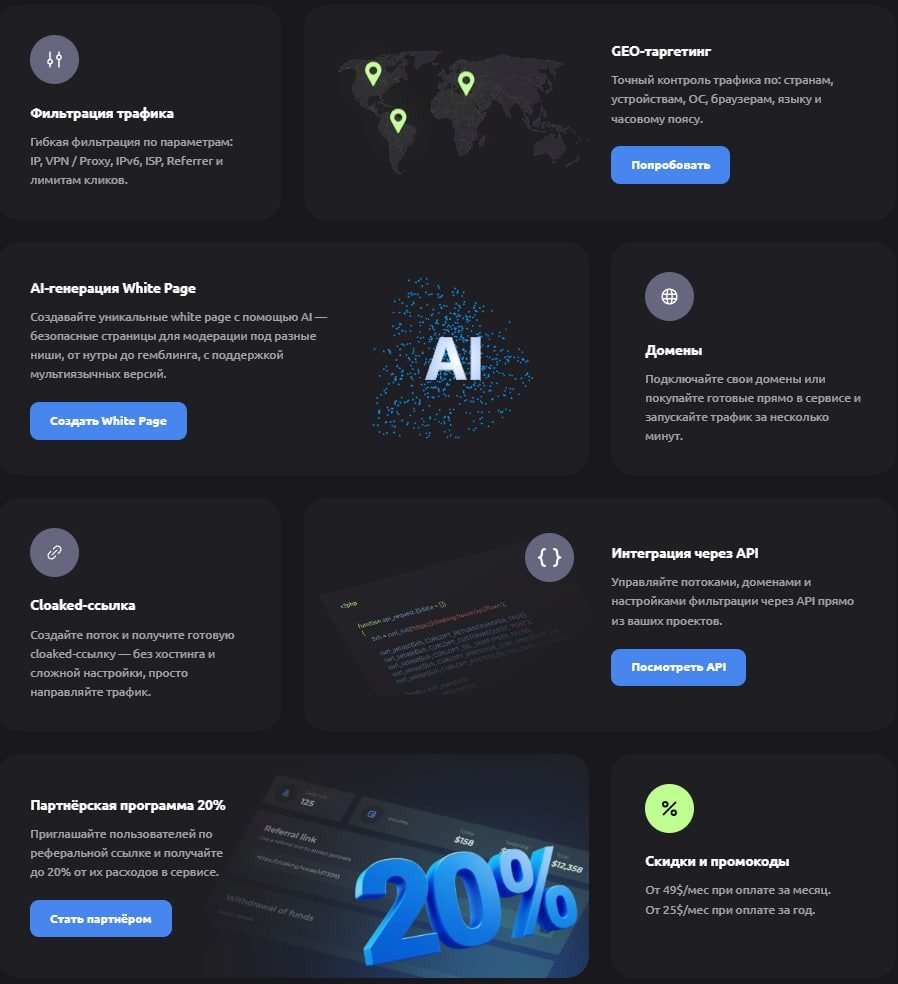
There is also a useful extra: a white page can be built directly inside the service if you do not already have one prepared. Domains, flows, filters, and statistics are available in the same interface. This makes it easy to see how many clicks reached the offer, how many were filtered out, and which rule caused the filtering. These data are especially valuable when system attribution after ATT provides only an aggregated picture.
What a Neutral Page Should Look Like
An empty placeholder is worse than a proper page. A good white page should look like a small standalone project: an app or themed service description, screenshots, contact information, and a privacy policy. Its topic should match the ad. If the creative promotes a fitness tracker while the page is about cooking, the platform may raise questions on its own.
Be sure to check the mobile layout, loading speed, and SSL. Using a separate domain for each setup helps avoid cascading problems: if one domain is banned, it will not automatically affect the rest of your campaigns.
What Traffic Filtering Does Not Solve
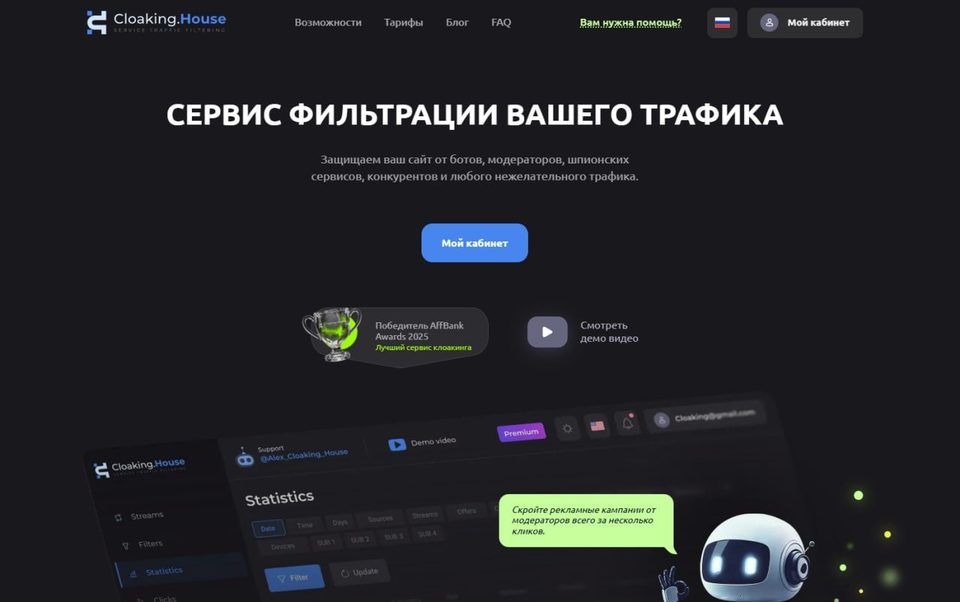
This distinction is important. Filtering at the advertising level and Apple’s requirements for the app itself are separate things. A flow determines which page a visitor sees before clicking through to the store. But Apple is the one reviewing the app, its metadata, build behavior, and account history, and those checks must not be bypassed. Attempts to make the app show content that differs from what the user actually receives can lead to removal and account termination. That is why a well-structured funnel should be based on an honest app page, clear screenshots, and a description that matches the app’s actual functionality.
Likewise, account hygiene should be handled separately: do not attach unnecessary devices, do not add users without a reason, and manage payment and tax settings carefully. Even perfectly filtered traffic will not save a project if the account receives a termination notice.
How to Test a Flow Before Launch
Test from a real iPhone on a mobile network, not from a work computer. Open the link in Safari and in the in-app browsers of the platforms where you plan to advertise, and make sure the install button opens the App Store and the campaign parameters make it all the way through. Then test the opposite scenario: visit from a desktop and from a device in another country and make sure you are sent to the neutral page.
After that, launch with a small budget and review the logs. Which clicks went to the white page, and which filter triggered it? Are there clearly real mobile users among the filtered visits? If so, the filter is too strict and should be relaxed. The first two or three days should be treated as configuration, not scaling.
Common Mistakes
The most common mistake is configuring one flow for all countries and both operating systems at once. The filters have to become too broad, and the statistics lose their value.
The second mistake is being overly strict: while filtering out suspicious traffic, it is easy to lose carrier users, Private Relay users, and VPN users.
The third is using a weak white page that gives itself away at first glance.
The fourth mistake is not reviewing the logs. Checks come from new addresses, and lists become outdated quickly, so they should be reviewed at least once every few days.
The fifth mistake is thinking about filtering only after the first advertising account ban. The flow should be configured before launch; otherwise, the first complaint may arrive before enough statistics have been collected.
Conclusion
Mobile traffic for iOS apps requires careful segmentation. Separate flows by operating system and geo, restrict device types, do not rely only on IP because of Private Relay, and collect your own funnel analytics because system attribution after ATT provides only aggregated data. Test everything on real phones and in the browsers where your ads will actually open.
Cloaking.House is suitable for teams that want to build this setup without custom development: flows, filters, white pages, and statistics are all available in one service. An honest app page and a properly maintained account will remain the foundation regardless of what happens with the traffic.
Ready accounts with a 7-day guarantee. 10+ GEO options. Pay only after verification.
Order on Telegram